Knowledge Base
Manage Refund Manually
Posted 2026-01-08 16:31:02| Updated 2026-01-08 16:31:02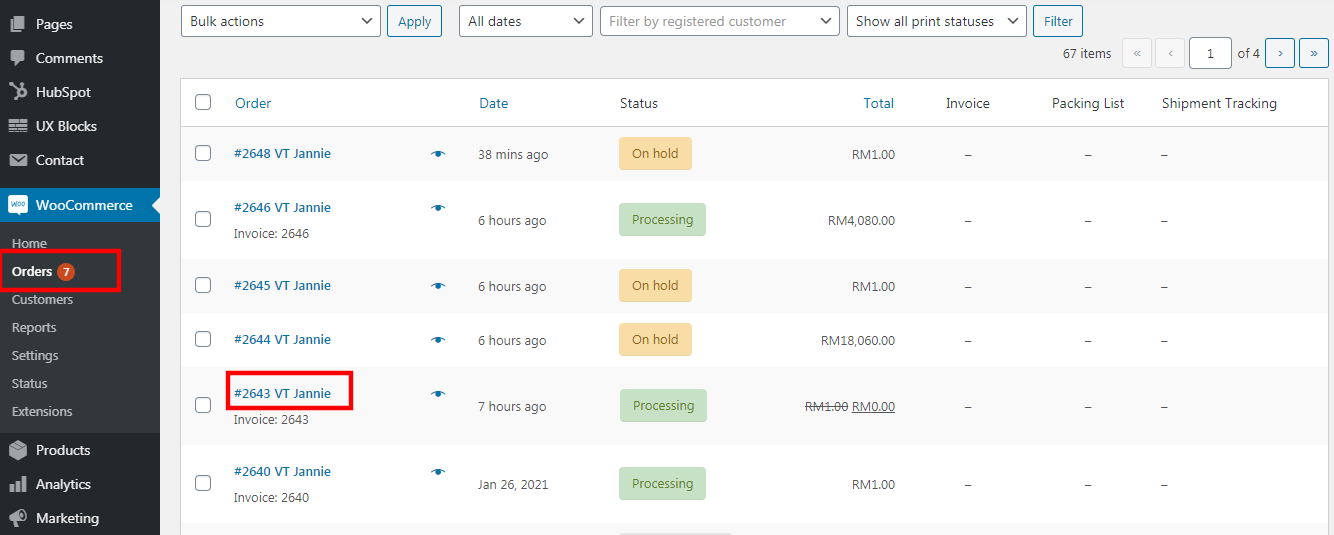
1. Go to "WooCommerce" > "orders".
2. Click on the "order ID" that you need to process for a refund.
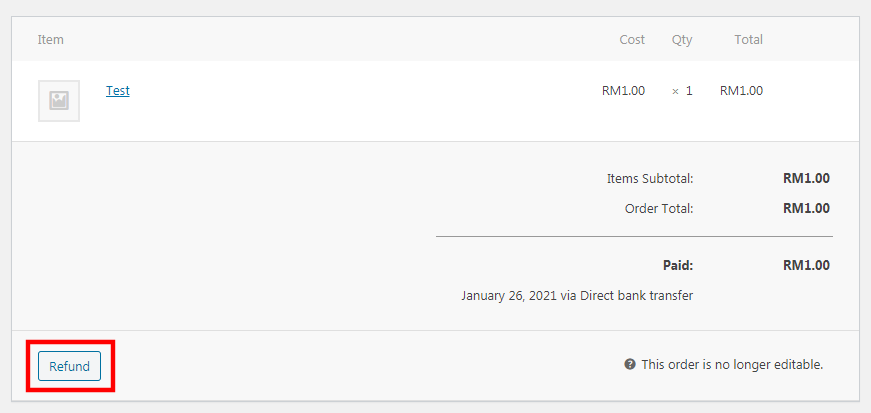
3. Scroll down and click on the "refund" button.
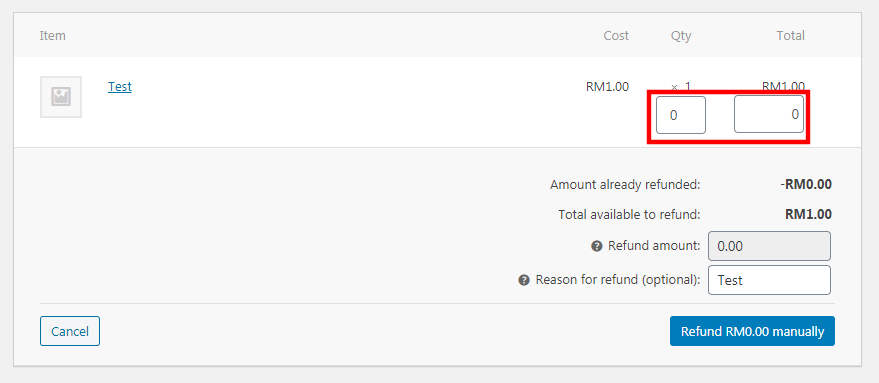
4. Insert the "total quantity" and "total amount" to be refunded.
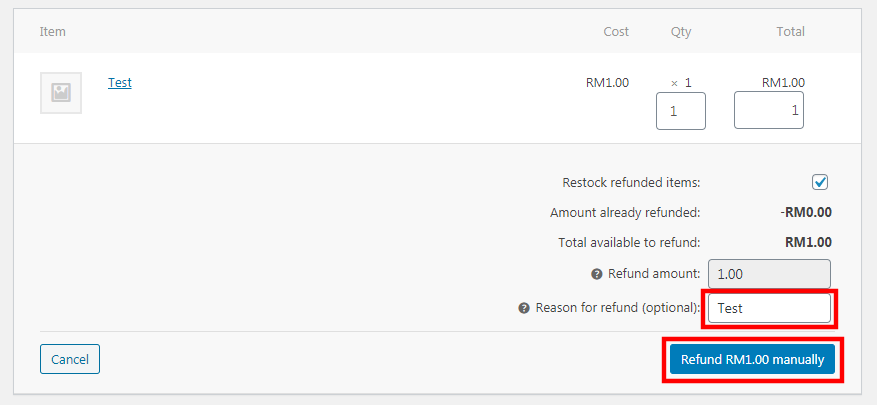
5. Enter the "refund reason".
6. Click on the "Refund RMX manually" button.
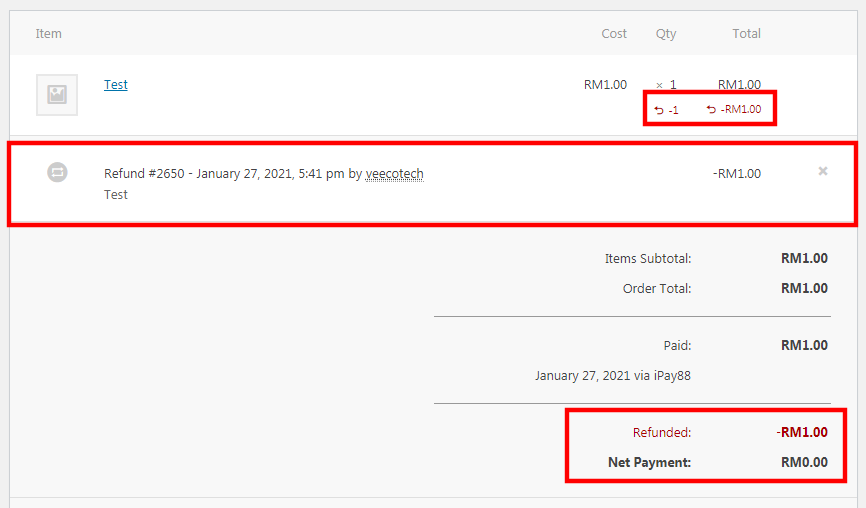
7. System will update it accordingly.
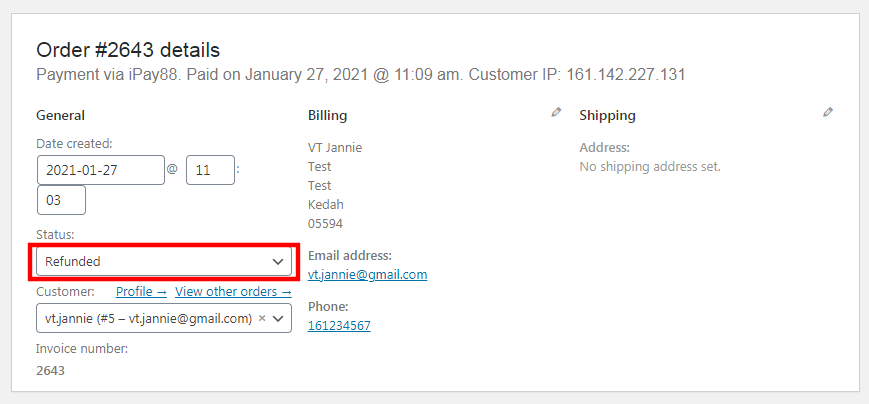
8. The order status will be marked as "refunded" too.