Knowledge Base
Update Product Detail
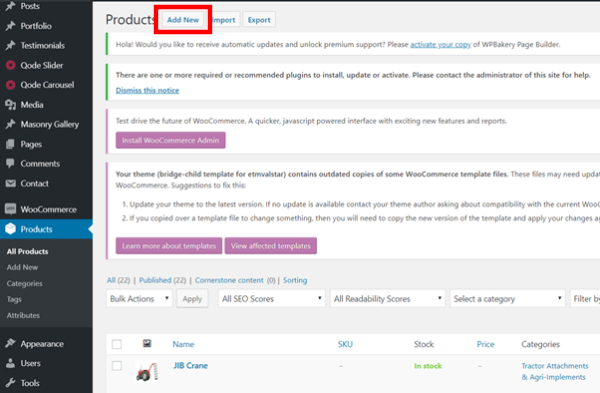
Posted 2026-01-08 14:43:55| Updated 2026-01-08 14:43:55- Go to the Product section
- Click on the “Add New” button for adding new product
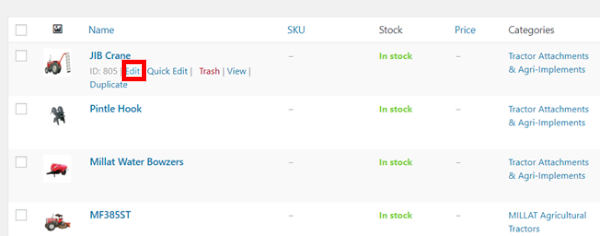
- Mouse hover to product and click on “Edit” to update product
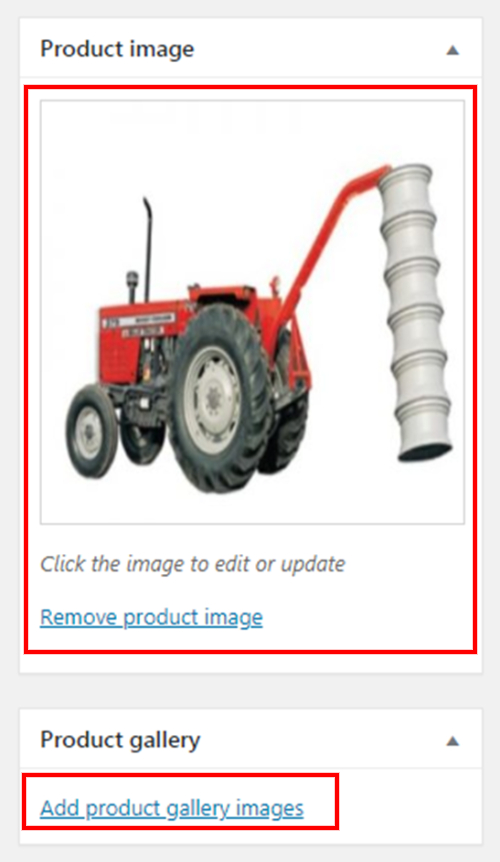
- Update your image on right side, if you have more than one image, click “Add product gallery images”
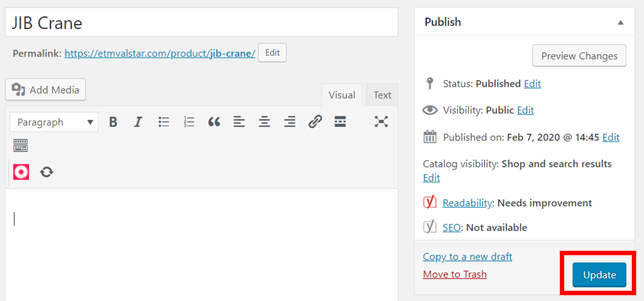
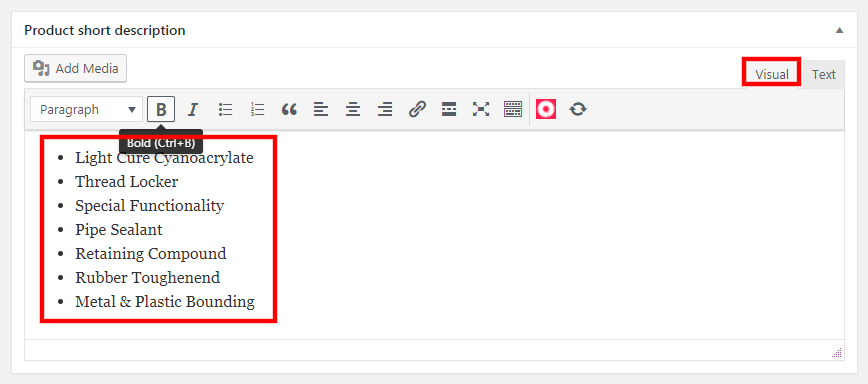
- Click on "Visual" and update your product detail
- Click on “Update” button after updating