Knowledge Base
Bulk Print Invoices (Paid Version)
Posted 2026-01-08 16:22:10| Updated 2026-01-08 16:22:10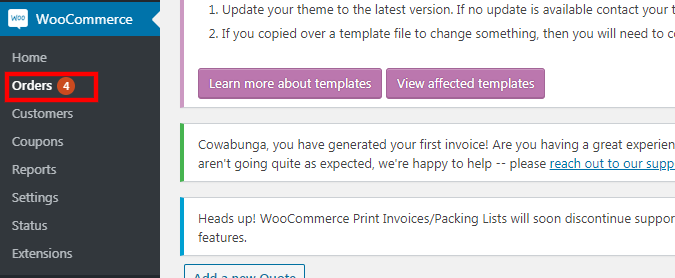
1. Go to "WooCommerce" > "orders".
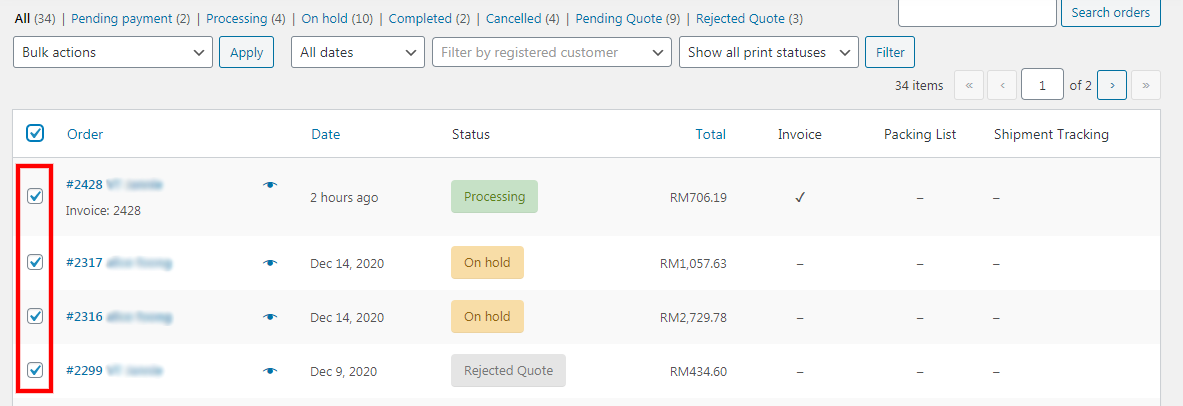
2. Tick on all the orders that you want to print the invoice.
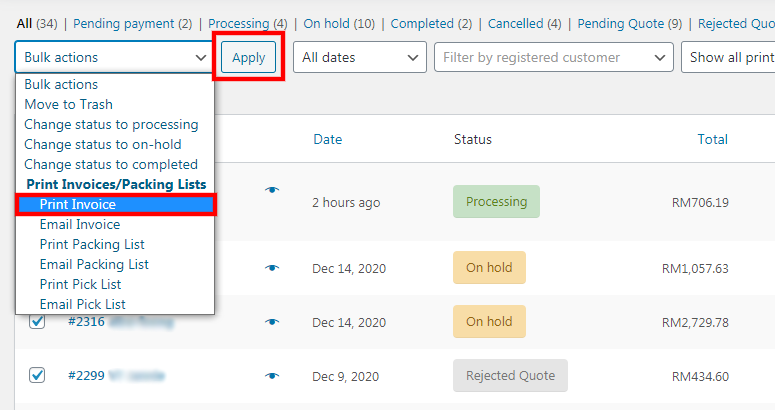
3. Under "bulk actions", select "print invoice".
4. Then, click the "apply" button.
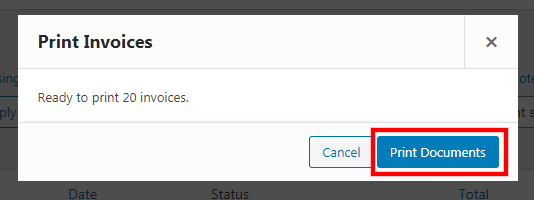
5. Click "print documents" to print all the invoices.