Knowledge Base
Print Single Invoice (Paid Version)
Posted 2026-01-08 16:21:31| Updated 2026-01-08 16:21:31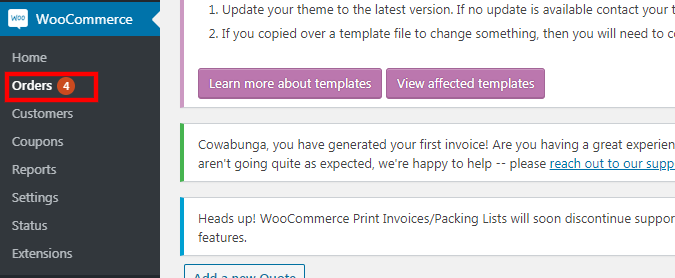
1. Go to "WooCommerce" > "orders".
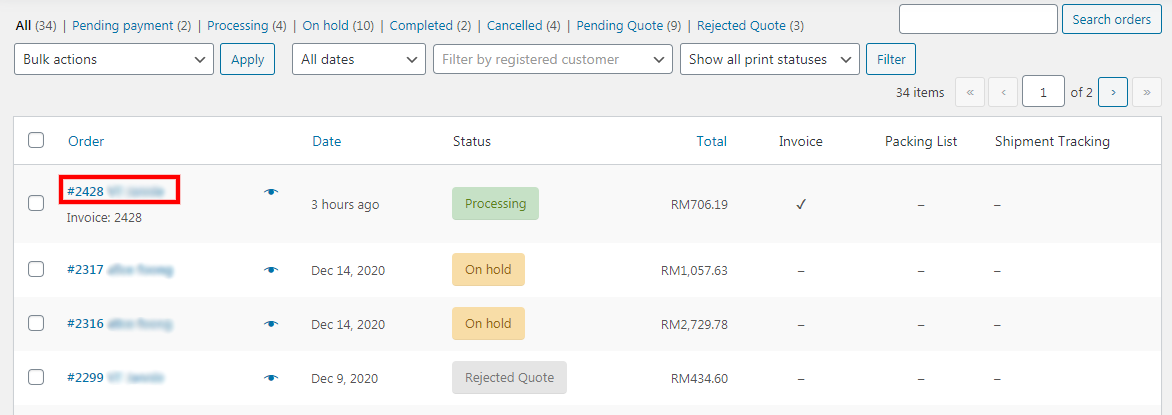
2. Click on the "order ID".
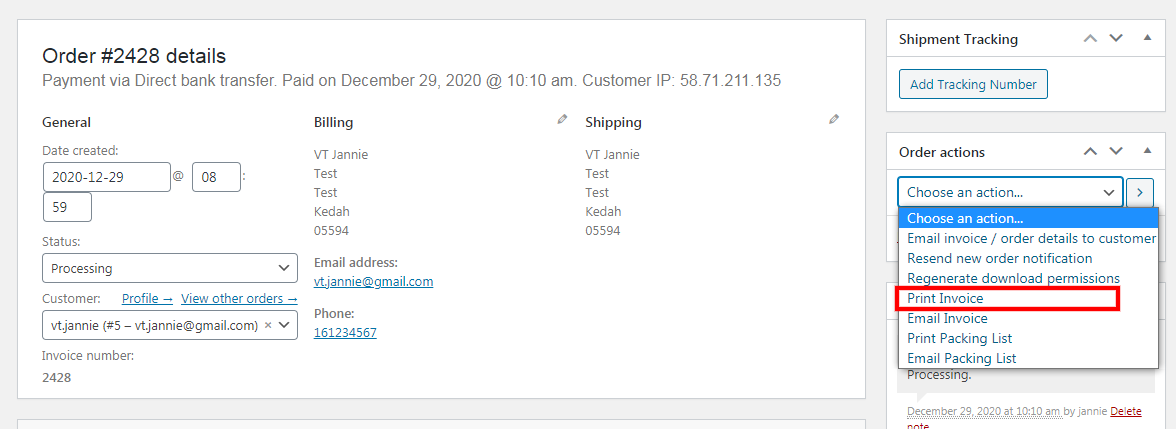
3. Under "order actions", select "print invoice".
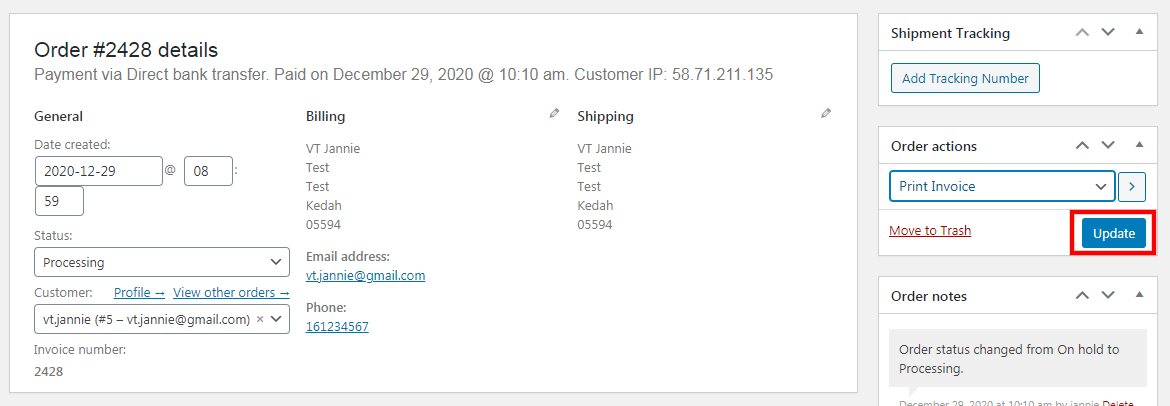
4. Click the "update" button.
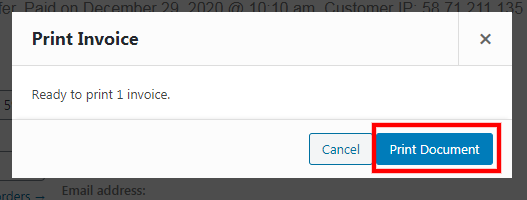
5. Then, click the "print document" button.