Knowledge Base
Edit Image
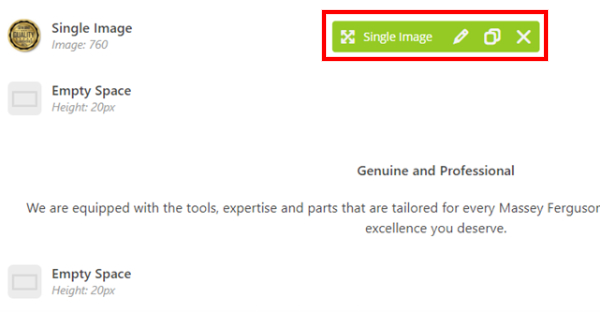
Posted 2026-01-08 14:41:05| Updated 2026-01-08 14:41:05- Mouse hover to the image block and select the pencil icon
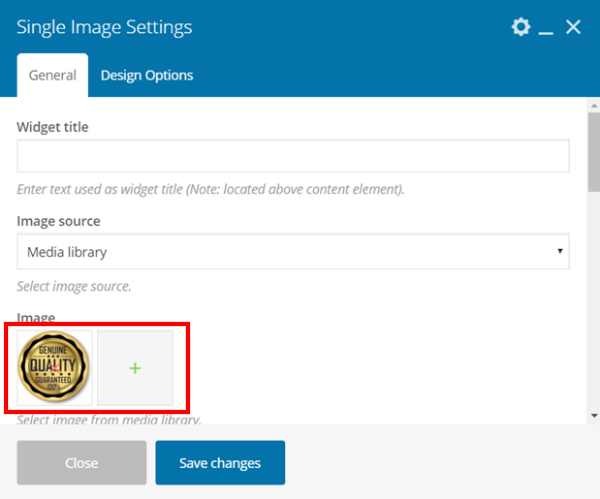
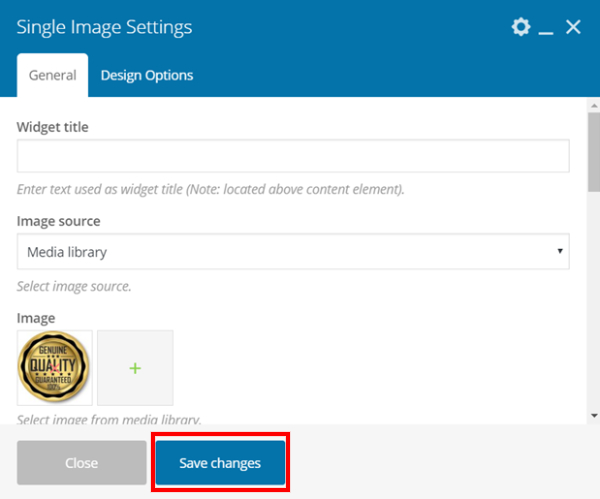
- Click on the ‘x’ or ‘+’ to remove or add image
- Click on the “Save changes” button after done editing
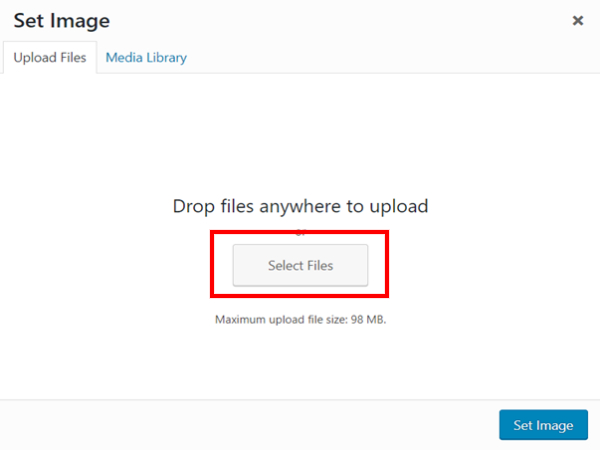
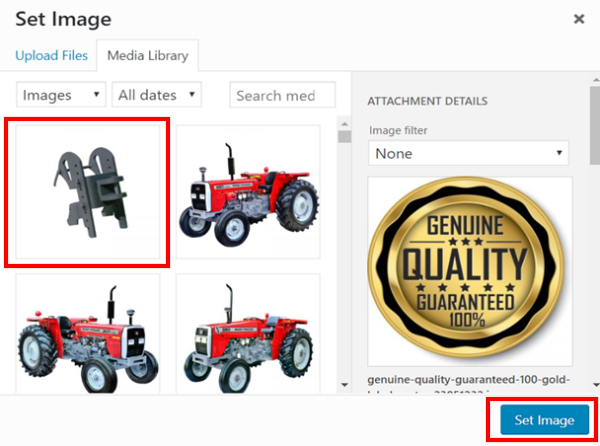
- For changing image, select Files to upload image to Media Library from your PC.
- The uploaded image will appear in Media Library, choose it and Set as image.
- Click on the “Save changes” button after done editing
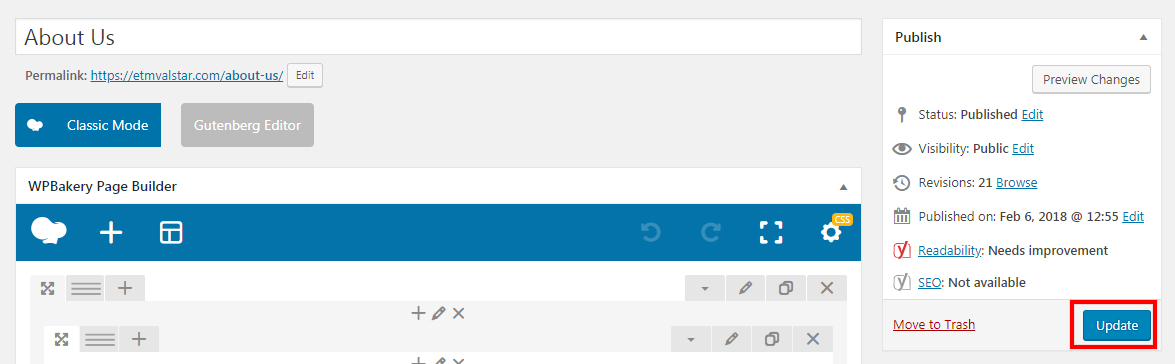
- Click "Update" once done.