Knowledge Base
Edit Text
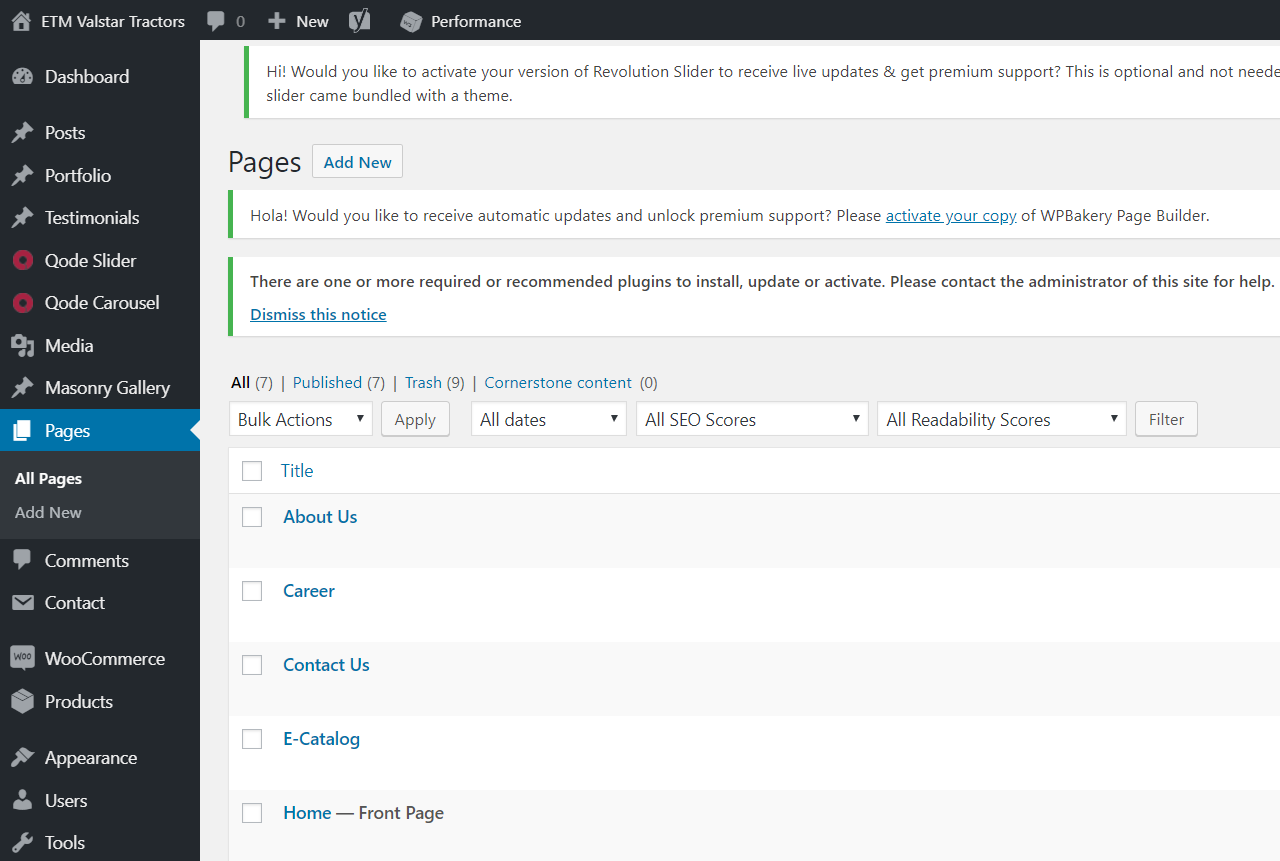
Posted 2026-01-08 14:40:25| Updated 2026-01-08 14:40:25- Login to the dashboard and go to Pages section
- Select the page needed to edit
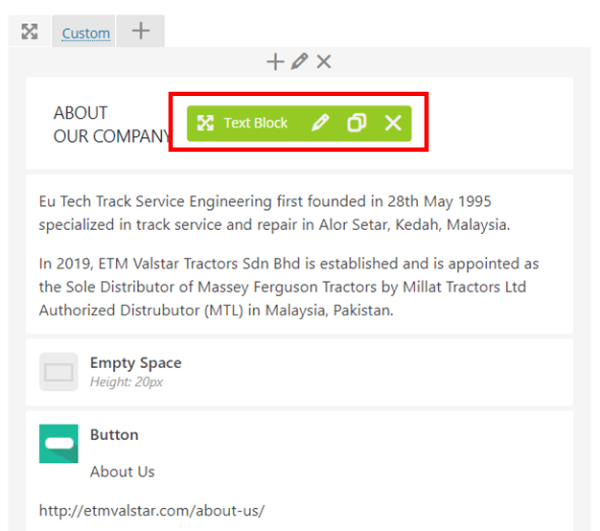
- Mouse hover to the text block and select the pencil icon
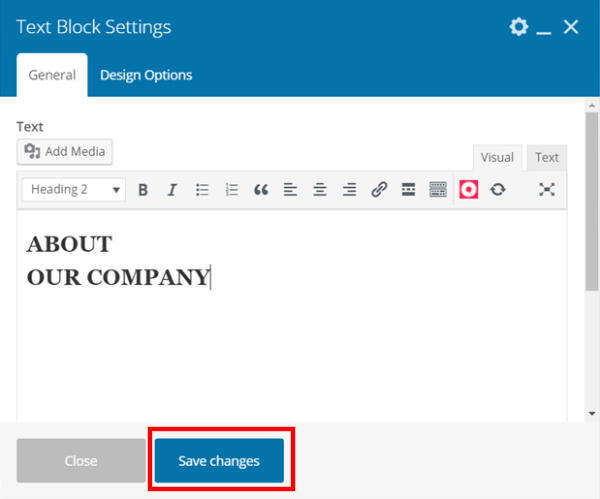
- Edit the content in text block setting
- Click on the “Save changes” button after done editing
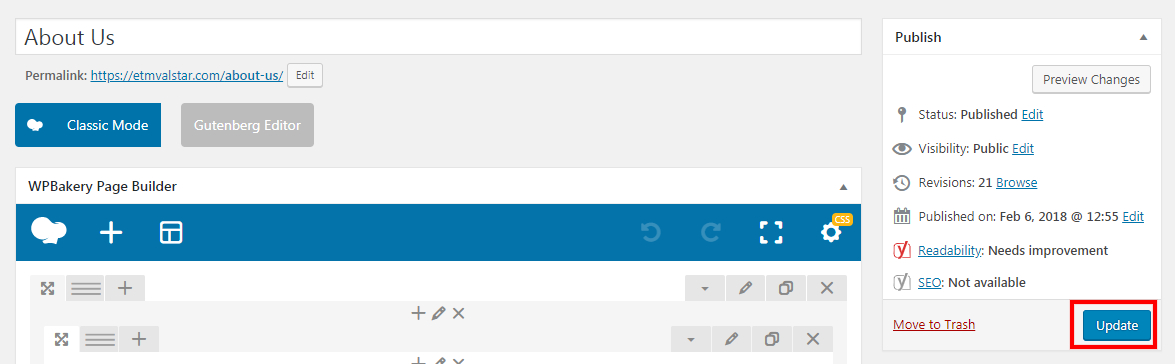
- Click "Update" once done.