Knowledge Base
How to view your DKIM record in cPanel
Posted 2026-01-08 13:24:58| Updated 2026-01-08 13:24:581. Login to cPanel (https://domainname.com:2083/ OR https://IPAddress:2083/)
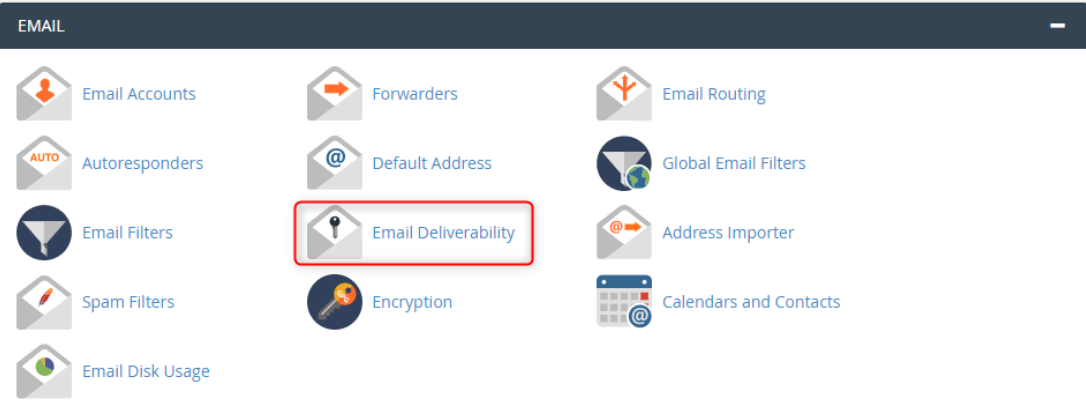
2. Go to Email Deliverability
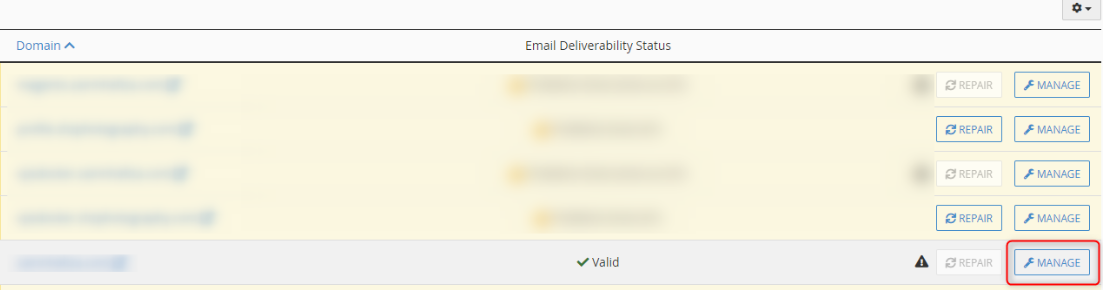
3. Select your domain name and click on Manage
4. This section will show the DKIM record for your domain. From here can copy the DKIM record and then paste to the DNS Zone to update the DKIM.
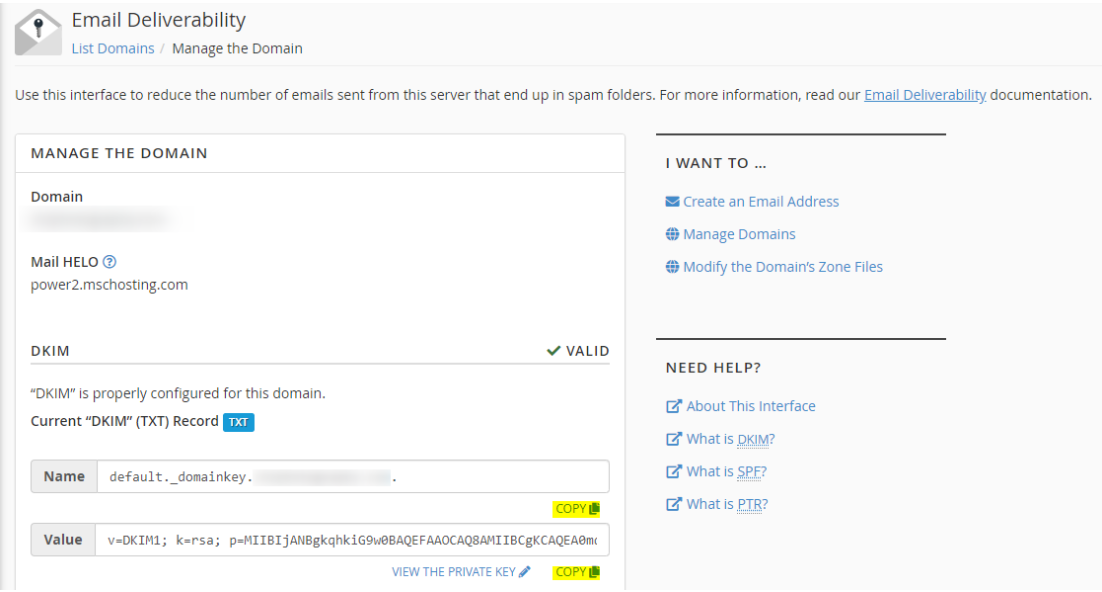
5. Lastly, once the DNS propagation done, the DKIM record will show VALID.