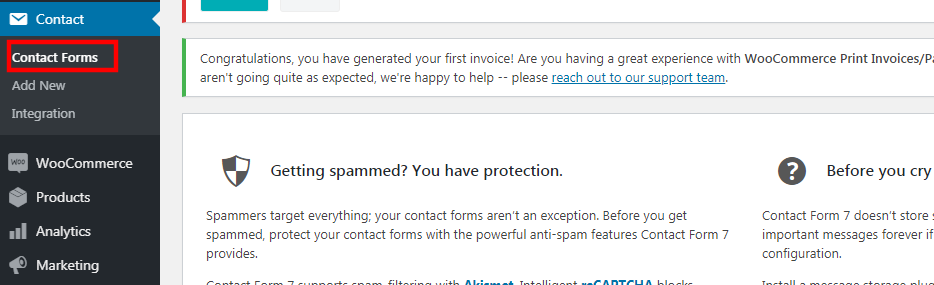
1. Go to Contact > Contact Forms.
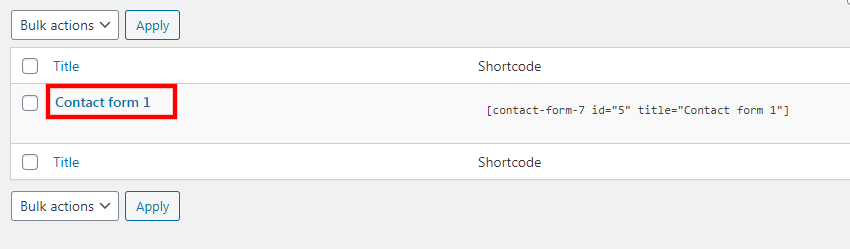
2. Click on the contact form.
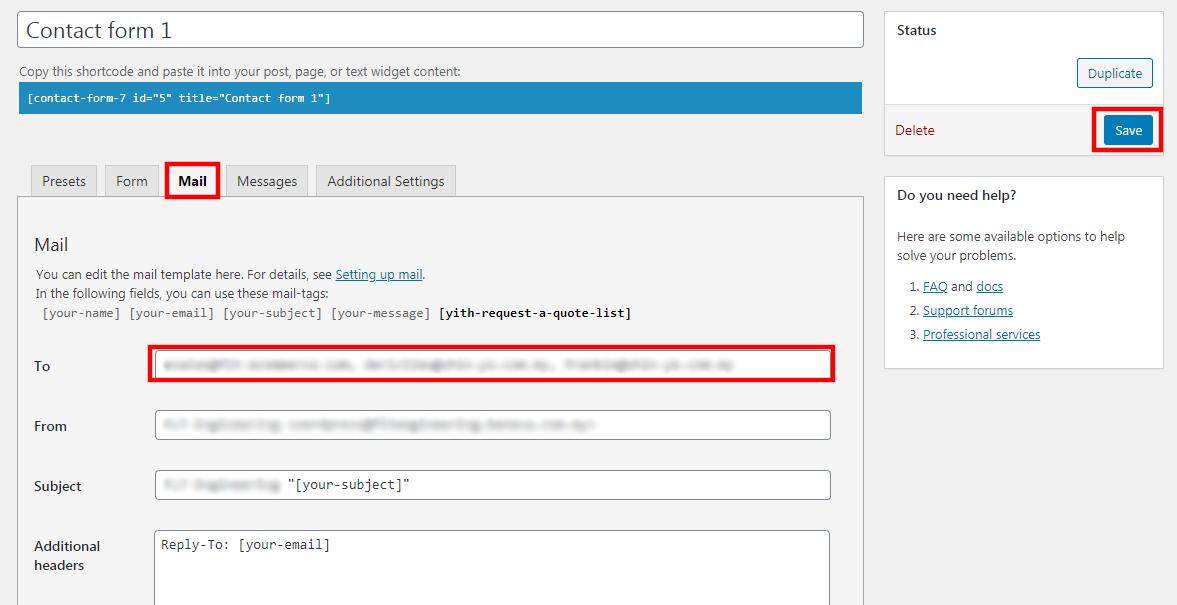
3. Click on the "mail" tab.
4. Add the recipient email here, the "to" field, use comma (,) as the separator for multiple emails. For e.g. email1@gmail.com, email2@gmail.com, email3@gmail.com
5. Click "Save" once done