Knowledge Base
POS Customer Settings
Posted 2026-01-08 16:34:17| Updated 2026-01-08 16:34:17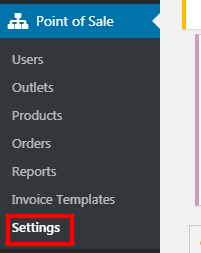
1. Go to Point of Sale > Settings.
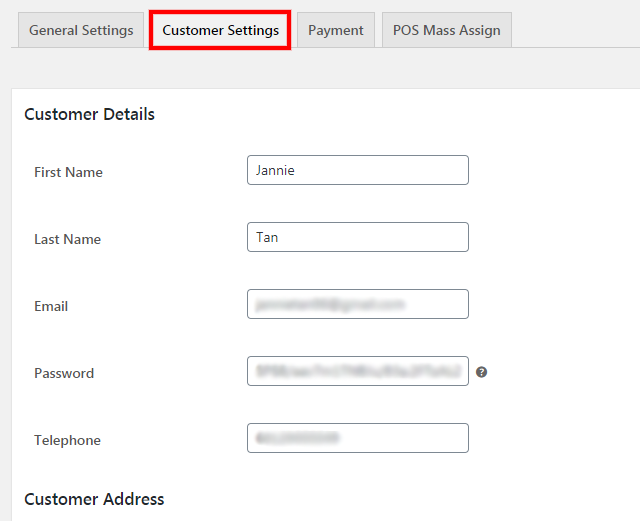
2. Go to "Customer Settings".
3. Admin can add the default customer details as shown in the image above.
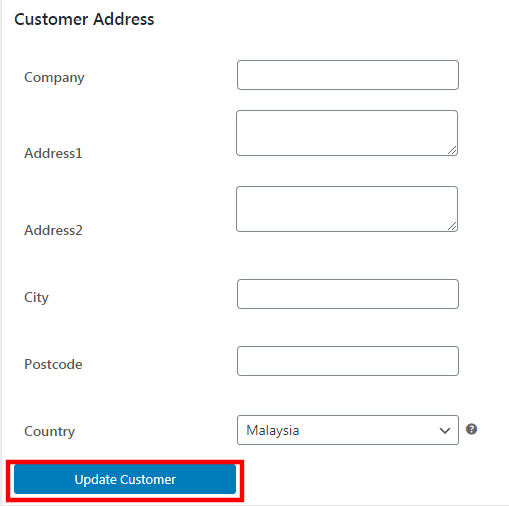
4. Click "Update Customer" once done.