Knowledge Base
POS Orders
Posted 2026-01-08 16:40:36| Updated 2026-01-08 16:40:361. Go to "Point of Sale" > "Orders".
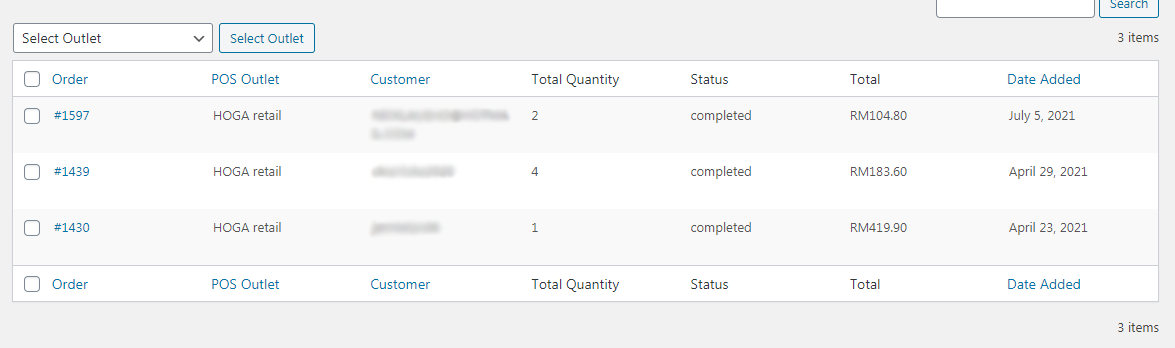
2. Here's the list of orders that have gone through the POS.
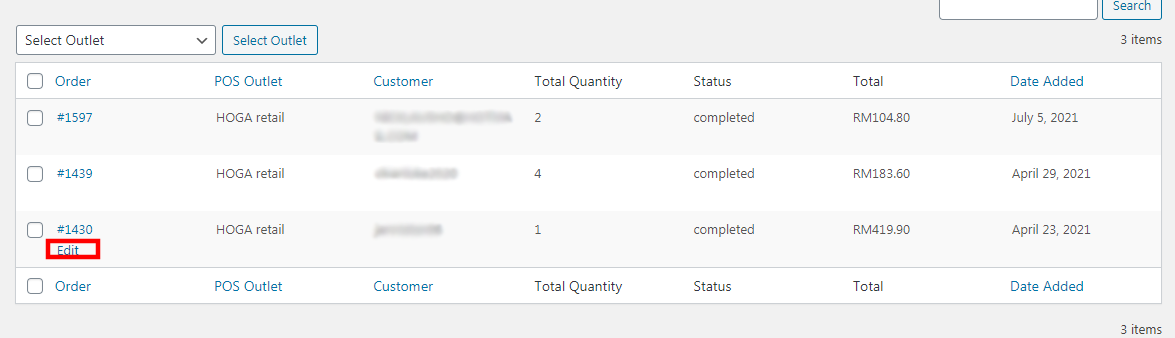
3. Click on the "Edit" button.
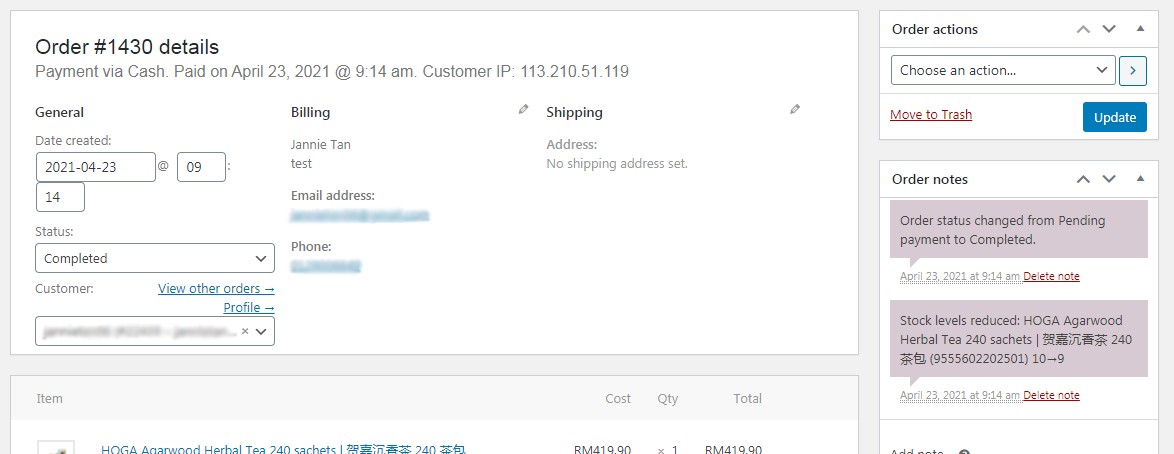
4. You will be able to see the full details for this order.
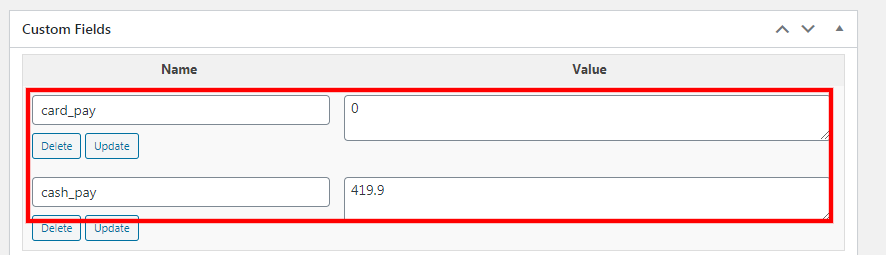
5. Under the "Custom Fields", you will know whether the customer is paid with card / cash.