Knowledge Base
How to change password in Webmail
Posted 2026-01-08 13:34:50| Updated 2026-01-08 13:34:501) Log into Webmail. (example@webmail.com)
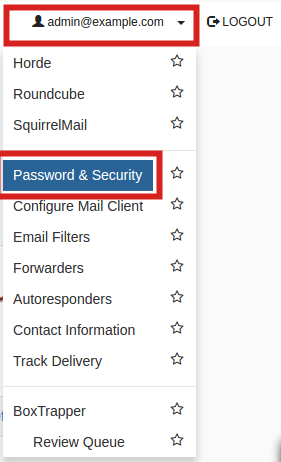
2) Click your email address in the top right corner, then click the Password & Security link.
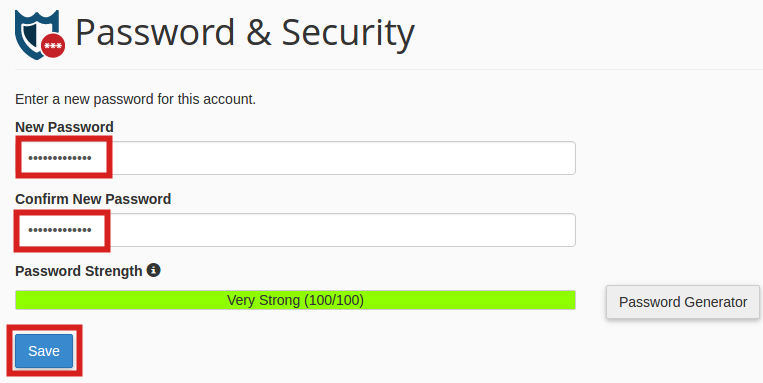
3) Type your new password in both boxes, then click the Change Password save button. Note you must use a strong password (strength of at least 50).