Knowledge Base
How to add Subcategories
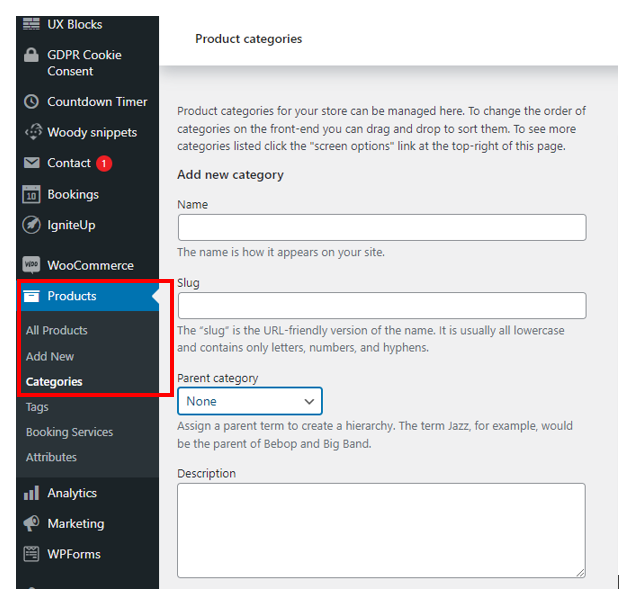
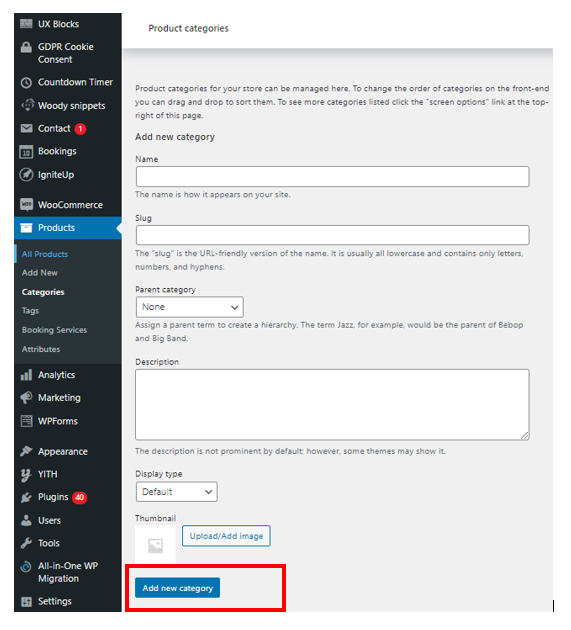
Posted 2026-01-08 15:49:55| Updated 2026-01-08 15:49:55Step 1 : Go to Dashboard > Products > Categories
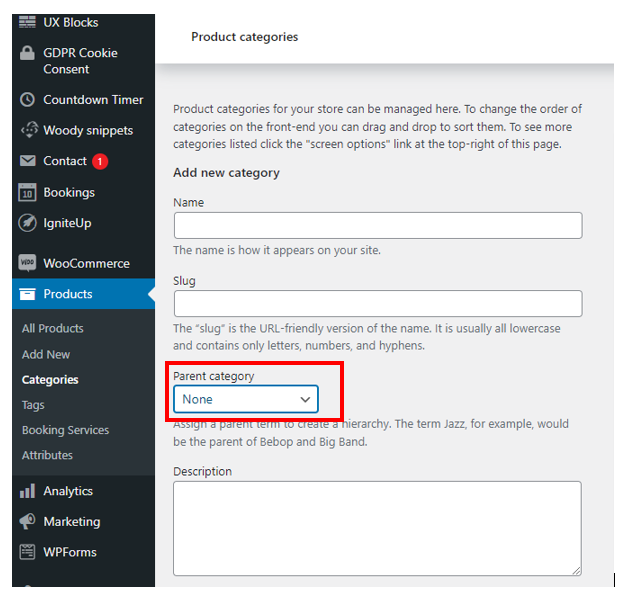
Step 2 : Fill in the category name , slug and choose the parent category from the dropdown list.
Refer to example below :
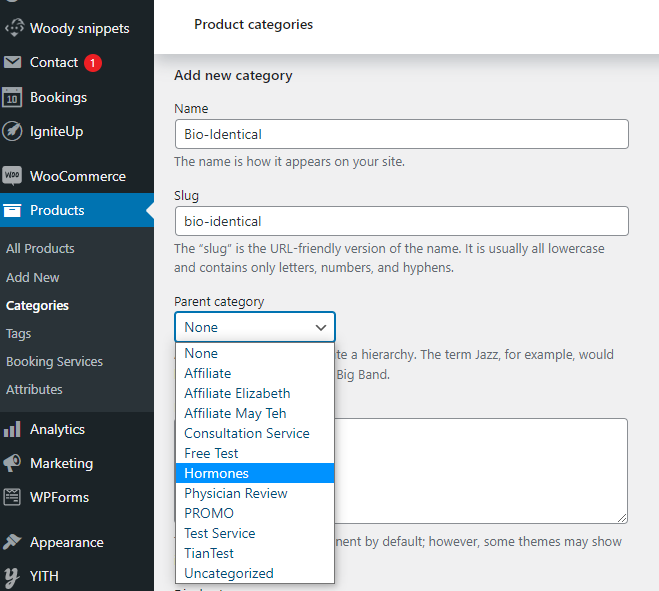
Step 3 : Once you have fill in the details, click Add new category
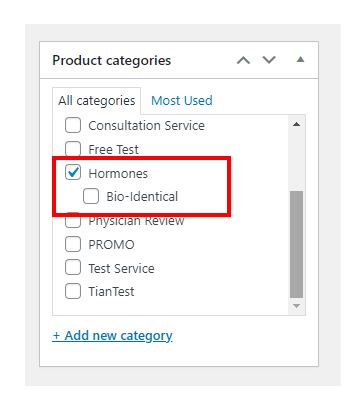
On Product page, you should be able to see the sub-category